

Schools
A school moves delicate documents every day: individual education plans, certificates, minutes, communications to families. Kamzan keeps them in a secure perimeter, with permissions per role and data kept only in the European Union — suitable for the public sector too.


Kamzan for schools
An Italian platform, with data in Europe, designed for schools
Kamzan is one of the few document-sharing platforms that processes data only on European soil: the condition that makes it possible to use it for school documents, teaching notices and students’ special-category data. On request it runs on AgID-qualified cloud infrastructure, with the security parameters required for the public sector.
Access is profiled: staff log in with credentials, families and external consultants receive shares via e-mail or a link with expiry and a password by SMS. Every share is monitored, so the office always knows who saw what.
What a school needs
Recurring needs of school districts, comprehensive institutes and private schools.
-
Documents for inclusion
Individual education plans, personalised learning plans and certificates of students with disabilities or special needs, shared between school, teachers, families and health services in a protected environment.
-
Signing of enrolments and assignments
Enrolment contracts, assignment letters to teachers, authorisations and privacy notices signed online, without paper.
-
Sites, teachers and families
A single environment for the district and its sites, for exchange with teachers and for important communications to parents.
-
Preservation of key documents
End-of-year documents, reports and minutes preserved in compliance, with integrity and retrievability over time.
From enrolment to the education plan: the school’s flow
Example: how a family enters the school’s document flow and how the office governs it.
-
1 Family → School The family uploads enrolment documents and the required certificates through a guided flow.
Flow -
2 School → Family The school sends the enrolment contract, authorisations and notices to be e-signed.
kSign -
3 School → Family Teachers, inclusion coordinator and family work on the education plan in the student’s reserved folder.
Files -
4 School → Family Minutes and end-of-year documents stay archived in compliance, with read notification for communications.
Files
What you share
The documents that circulate between school, teachers and families
Each in the right folder, with permissions per role and upload and read notifications.
- Individual education plans, personalised learning plans and inclusion certificates
- Enrolment contracts and forms
- Teachers’ assignment letters and contracts
- Circulars and communications to families
- Minutes of school councils and teachers’ councils
- Authorisations for trips and activities
- Documents between district and sites
- Final reports and end-of-year documents
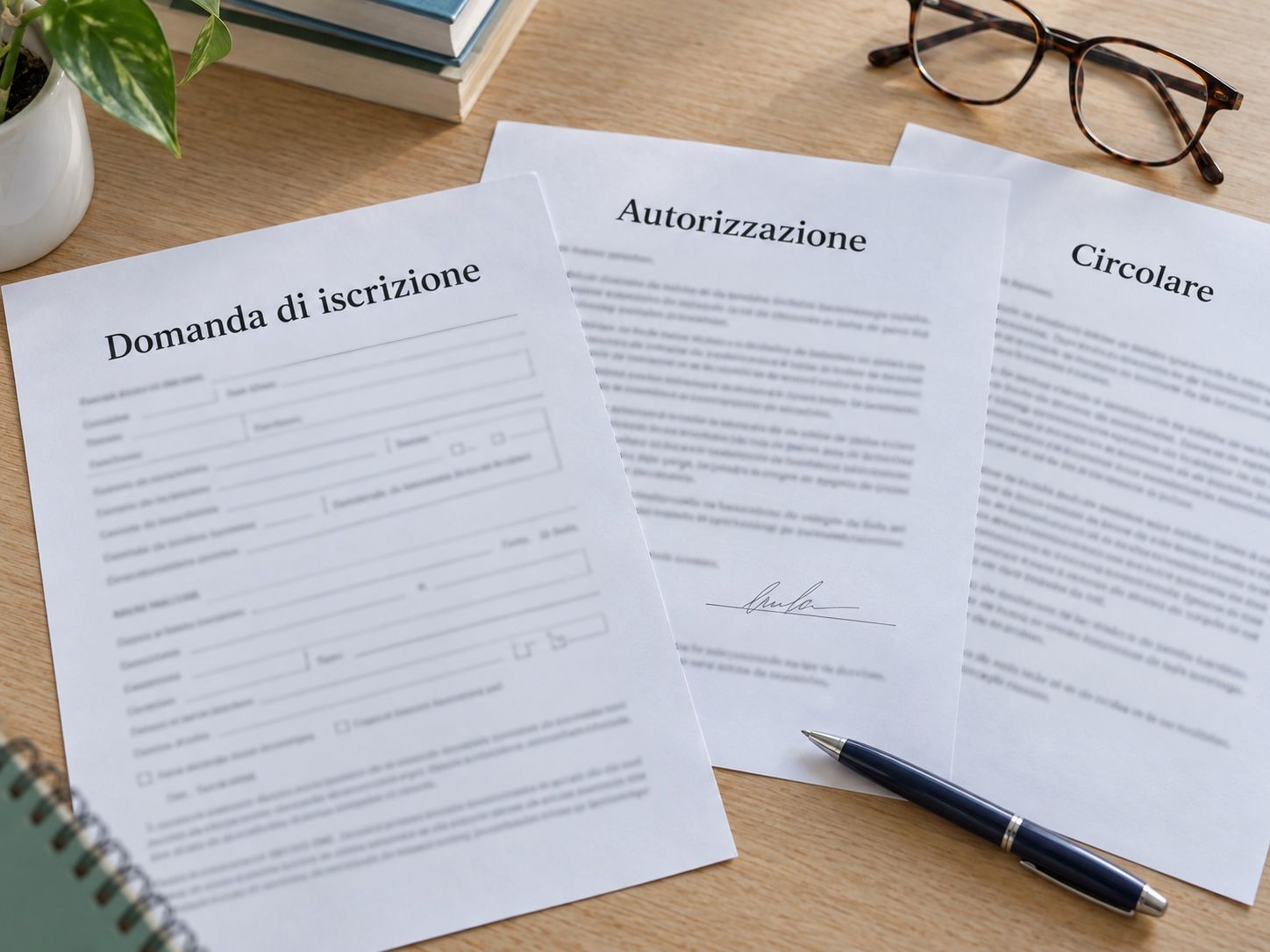
Less paper in the office, more clarity for everyone
The school governs, teachers and families find what they need.
For the school
- Permissions per role: office, management, teachers, families and health services see only what concerns them.
- Folder structure cloned for every student or site: same order everywhere.
- Read notification on important communications: proof they were read.
- E-signature with SMS OTP for enrolments, assignments and authorisations.
- Data in Europe, GDPR, optional AgID-qualified cloud and purchase through the public procurement marketplace.
For teachers and families
- The student’s documents in a single folder, accessible from phone or computer.
- Independent upload of certificates and forms, without e-mails or printouts.
- Signing of contracts and authorisations from the phone, in a few minutes.
- E-mail alert for every new communication from the school.
Beyond sharing
More value for daily school operations
Tools already included in the ecosystem for the school’s meetings, calendars and documents.
-
Councils online
With kMeeting internal meetings, school councils and teachers’ councils held remotely.
-
Shared calendar
With Kalendo school commitments on personal and shared calendars for all the school’s stakeholders.
-
Documents edited together
Collaborative editor on docx and xlsx in real time, with creation of the final PDF.
-
Certain date with timestamp
kSign certifies the existence and integrity of minutes and documents at a certain date.
-
Anti-leak blocks
Download and print blocked and watermark on the most sensitive student documents.
-
Compliant preservation
Education plans, final reports and minutes preserved with integrity, readability and retrievability over time.

Kamzan products for the school
The modules that make up the school’s document flow.
-
Files
Folders per student, site and role, with granular permissions and read notification.
Discover the product -
kSign
E-signature of enrolments, assignments and authorisations, with legal value.
Discover the product -
Flow
Guided collection of enrolment documents and certificates from families.
Discover the product -
kMeeting
Councils, boards and parent meetings by video conference.
Discover the product

 Alex
Alex