

Tax assistance centres
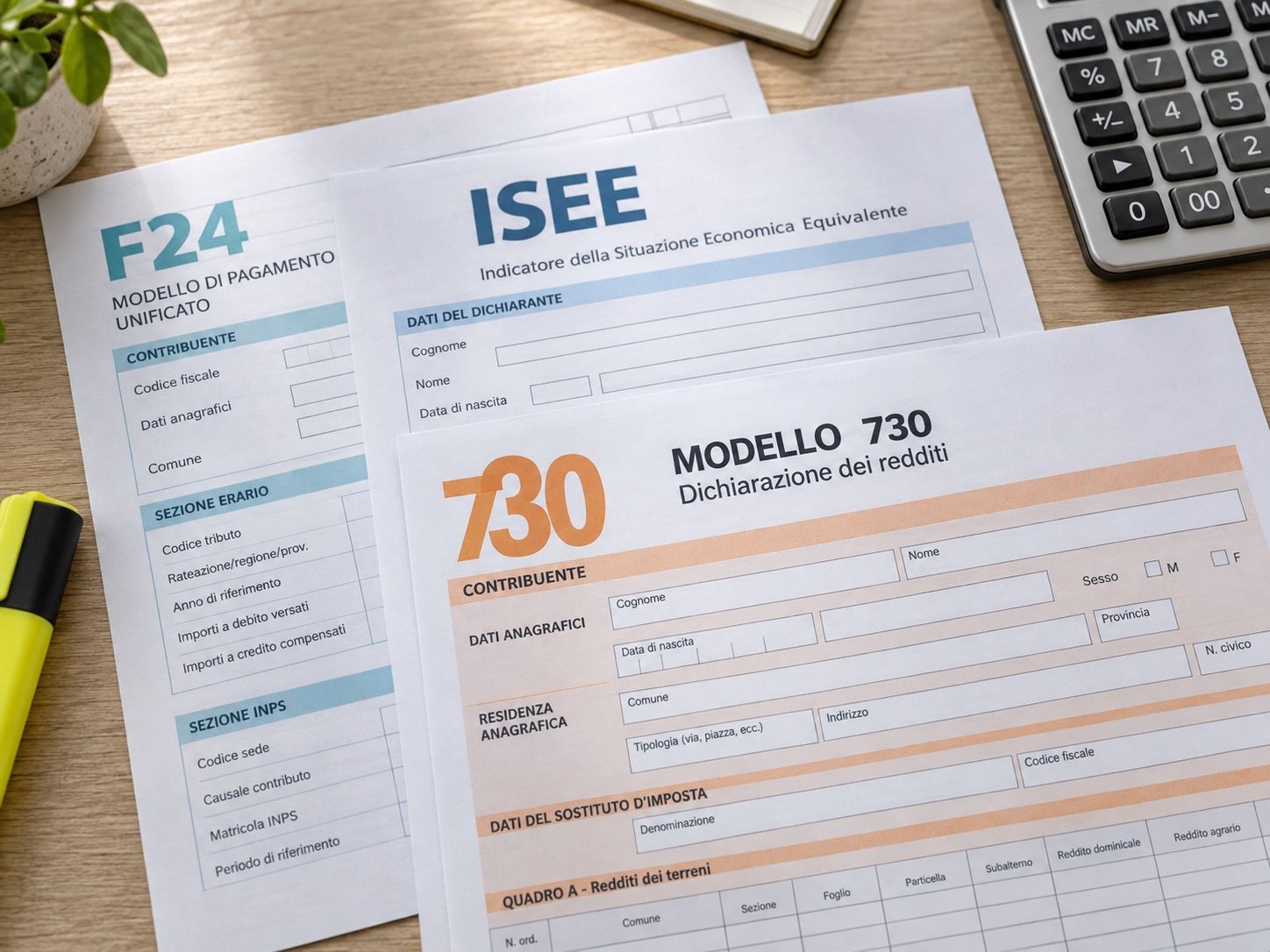
730 returns, ISEE, RED, assorted forms: tax assistance centres collect standardised documents from many taxpayers within short time windows. Kamzan structures this flow end to end.


Kamzan for tax assistance centres
Sensitive tax documents, collected in a secure, GDPR-compliant perimeter
In tax assistance centres data confidentiality is not optional: 730, ISEE and RED forms contain incomes, assets and family situations. With Kamzan every taxpayer has a dedicated folder, accessible with credentials or via e-mail or a password-protected link, also by SMS.
Documents stay available from any device, at any time: the counter stops receiving e-mails asking to resend last year’s paperwork, and campaigns close with shorter queues.
What a tax assistance centre needs
Typical needs, from the small branch to the national network.
-
Document collection from many users
730, ISEE and RED campaigns: hundreds of taxpayers upload the same standard documents within a few weeks.
-
E-signature of mandates
Mandates and forms e-signed by taxpayers, without printing and re-scanning at the counter.
-
Compliant preservation
Closed files archived in line with tax retention periods, quick to retrieve when needed.
-
Multi-operator and multi-branch
Each operator sees only the files assigned to them; different branches coexist on the same platform with separate permissions.
The 730 campaign, from the taxpayer to filing
Example: how a taxpayer opens a file and the operator closes it, with every step tracked.
-
1 Taxpayer → Operator The taxpayer uploads the required documents (tax certificate, medical expenses, mortgage) through a standardised guided flow.
Flow -
2 Operator → Taxpayer The operator sends the taxpayer the mandate to e-sign before proceeding.
kSign -
3 Operator → Taxpayer The complete, signed file is transmitted to the relevant authorities and copied to the taxpayer.
Files -
4 Operator → Taxpayer The signed 730 and its attachments stay archived in compliance, accessible in the taxpayer’s area.
Files
What you share
The tax and administrative documents the centre handles for every taxpayer
Each in its own folder within the dedicated flow, with upload and read notifications.
- 730 form and personal income tax return
- ISEE, ISEU and RED forms
- Municipal property tax return and related F24 forms
- INVCIV form and social security certificates
- Tax certificates (CU)
- Medical expenses, mortgages and other deductions
- Documents for building bonuses and tax credits
- Lease agreements, title deeds and mortgage documents
Less counter time, more files closed
Operators and taxpayers work on the same flow, each with their own permissions.
For the centre
- Standardised collection flows for every campaign: the taxpayer uploads exactly the documents required.
- Folder structure cloned for every taxpayer: same logical flow, nothing forgotten.
- Permissions and blocks for every share: who can view, upload or download.
- Mandates e-signed with SMS OTP, without printing and re-scanning.
- Multi-operator and multi-branch on the same platform, with separate visibility.
For the taxpayer
- Every year’s tax documents always available, from phone or computer.
- Guided upload: they know what’s missing before coming to the counter.
- Access even without registration, with a password received by SMS.
- E-mail alert when the 730 or the receipt is ready.
Beyond sharing
More value for the centre’s operations
Functions born from the requests of those who handle sensitive documents and need security, customisation and control.
-
Anti-leak blocks
Download and print blocked on shares, screenshots blocked across the whole platform.
-
Watermark on PDFs
Every shared PDF carries the recipient’s e-mail: unlawful circulation is discouraged.
-
Limited visibility
Hide files that aren’t final yet from the taxpayer until they are ready.
-
Read notification
Get an e-mail when the taxpayer opens the document you shared with them.
-
Online tax appointments
With kMeeting you handle appointments remotely and shorten the queues at the counter.
-
Appointment calendar
With Kalendo you organise the campaign’s appointments on personal and shared calendars.

Kamzan products for tax assistance centres
The modules that orchestrate the campaign, from form collection to preservation.
-
Flow
Guided upload flow that standardises document collection from taxpayers, with automatic checks.
Discover the product -
kSign
E-signature of mandates and forms by the taxpayer, with legal value.
Discover the product -
Files
Reserved area for every taxpayer, with compliant archiving of closed files and access history.
Discover the product -
kontacts
Directory of taxpayers and operators, shared between branches.
Discover the product

 Alex
Alex